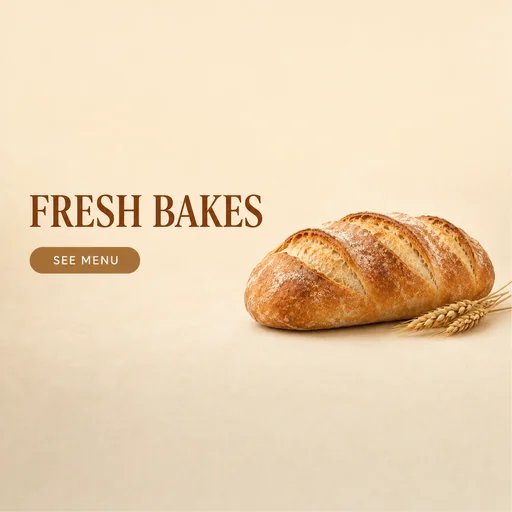
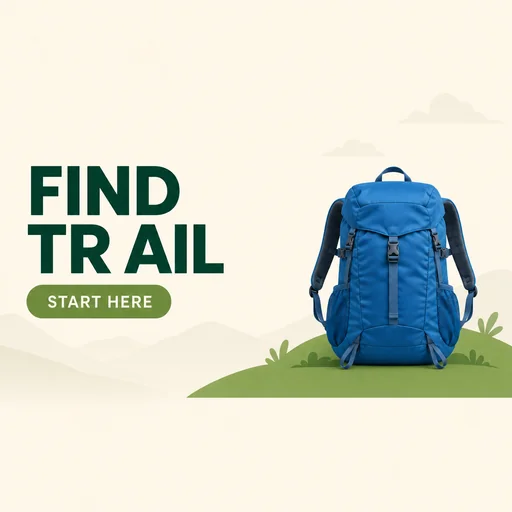
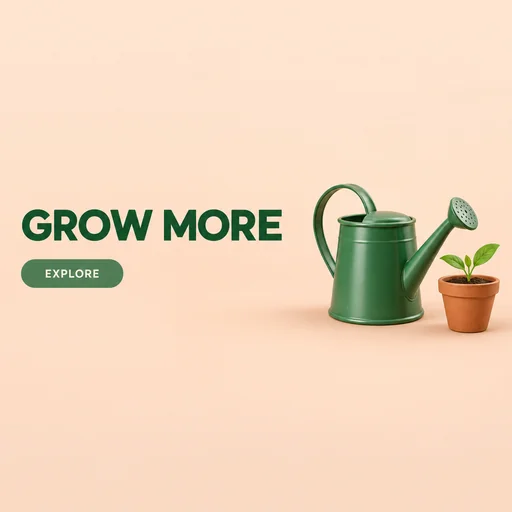
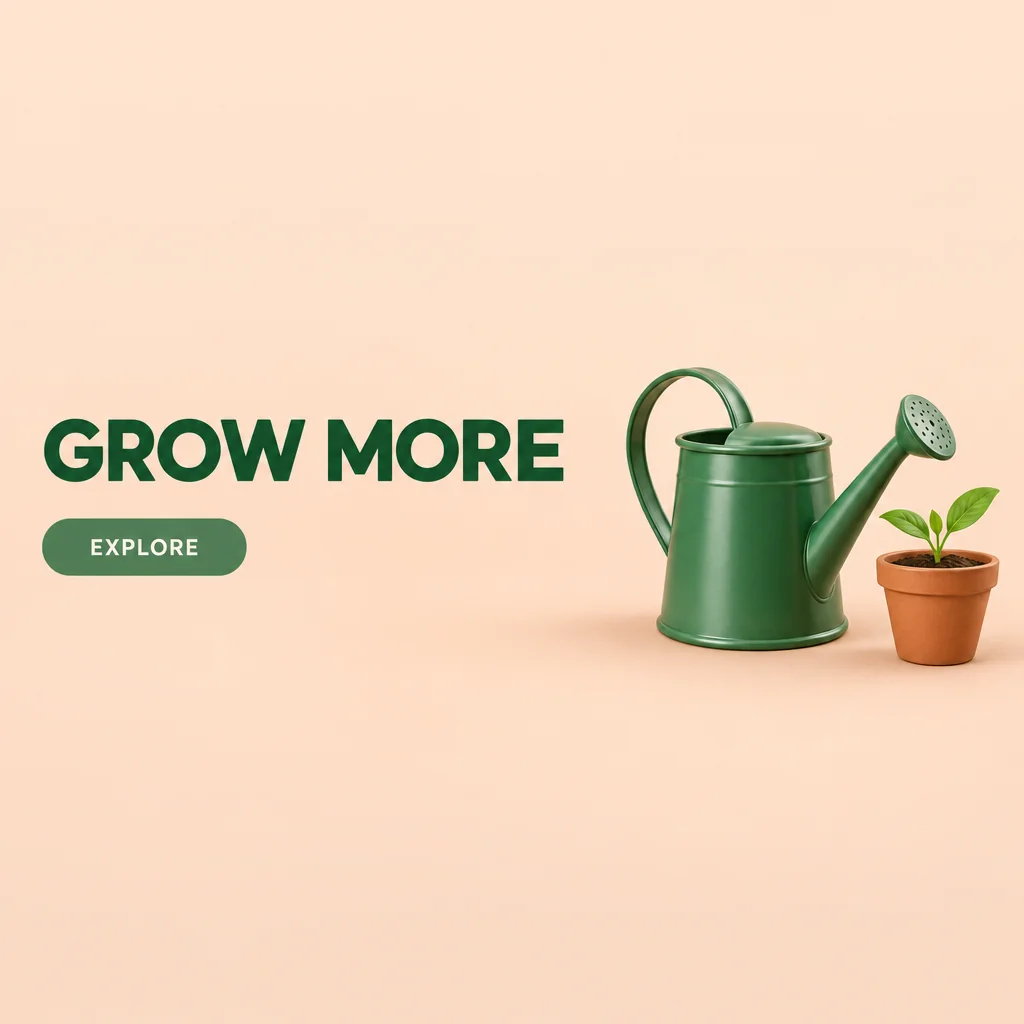
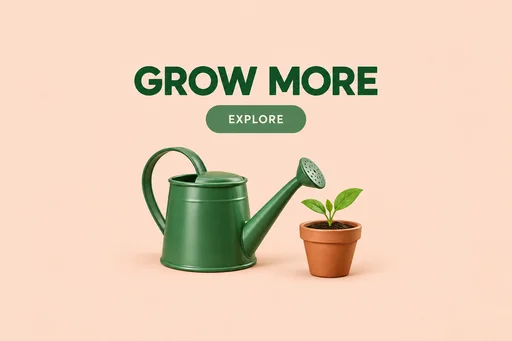
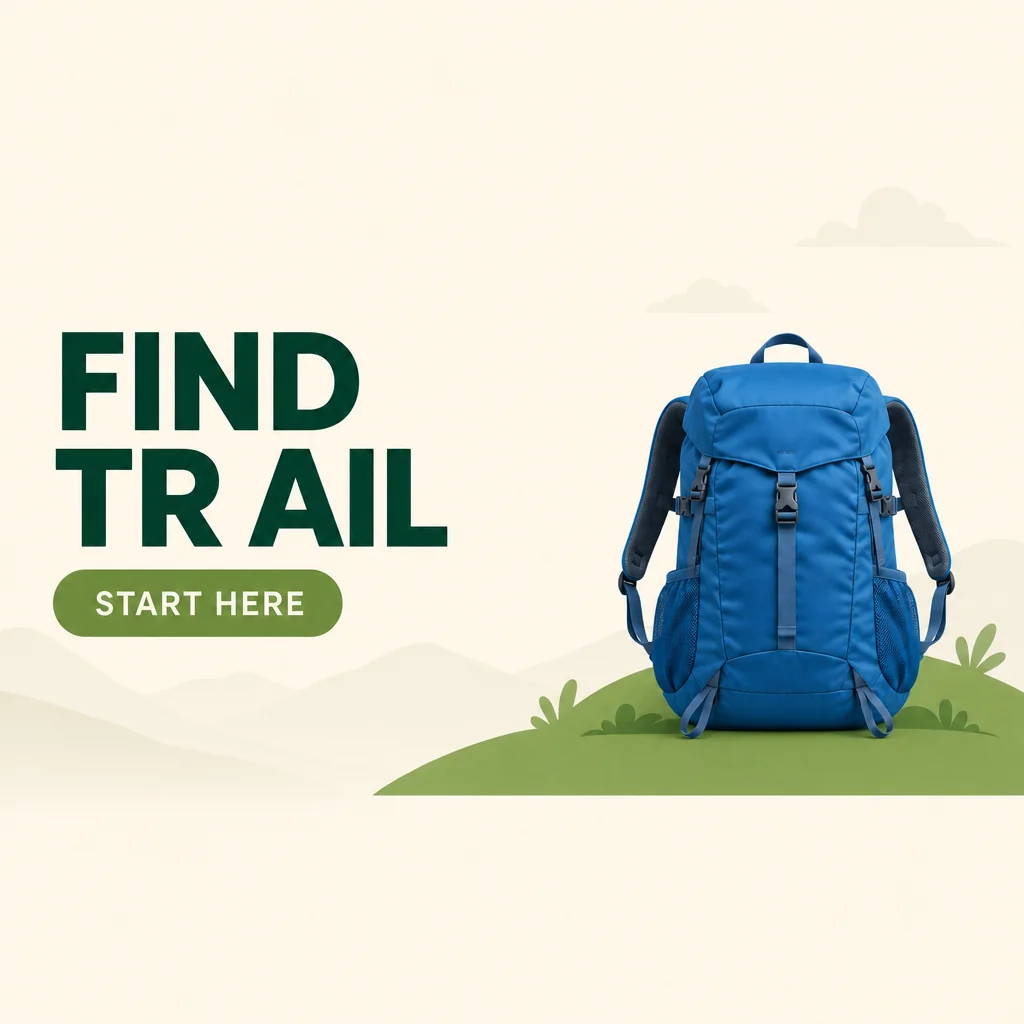
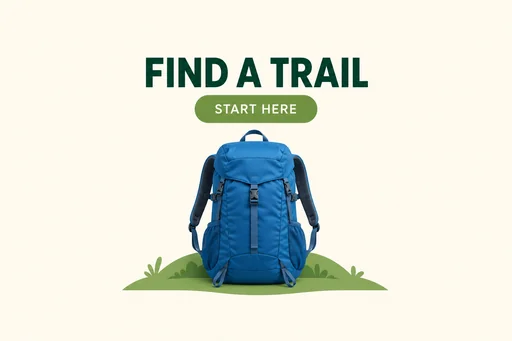
Summer sale layout with hat and sandals at right and left-aligned sale text.Two lavender-glazed pottery bowls beside CLAY DAYS and VIEW WORK.Fresh bread and wheat to the right of FRESH BAKES and SEE MENU.Blue backpack on green hill beside altered FIND TRAIL headline.Watering can and potted sprout right of GROW MORE and EXPLORE.

Create a Website Hero Banner

Describe a wide website hero banner with room for your headline, call to action, and a clear focal point.

  1. Describe
  2. Log in
  3. Create
  • Describe your banner

    Describe your brand, campaign message, audience, and the wide visual direction for your website hero banner.

  • Shape the composition

    Request a clear focal point, brand colors, headline space, CTA breathing room, and desktop-safe subject placement.

  • Keep headline space clear

    Review the banner at wide proportions and refine visual balance so headline and CTA areas remain uncluttered.

Built for first impressions

Give your homepage a stronger opening

Shape a polished visual with a clear focal point, generous breathing room, and a brand mood that supports your message.

Summer sale layout with hat and sandals at right and left-aligned sale text.
Source 1 for Website hero banner: summer sale banner.
Watering can and potted sprout right of GROW MORE and EXPLORE.
Source 1 for Website hero banner: garden tools banner.
Blue backpack on green hill beside altered FIND TRAIL headline.
Source 1 for Website hero banner: outdoors banner.

Get started

Attach the existing source, request one edit, and review the edited result.

步驟 1

Attach the existing source

Use the existing finished source shown here.

步驟 2

Request the edit

Describe the change to the attached source.

Step 3: Review the edited result.

步驟 3

Review the edited result

Check the result against the requested details and preserved constraints.