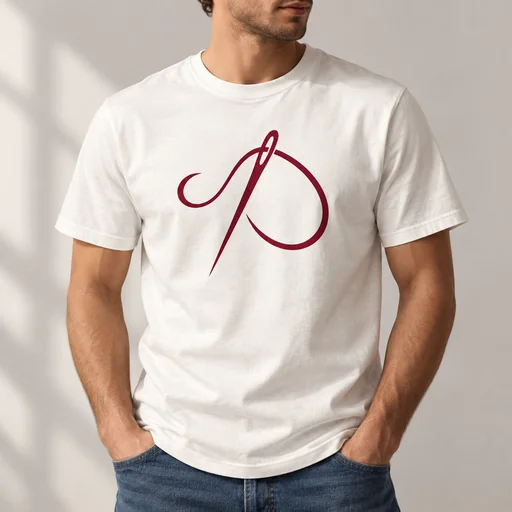
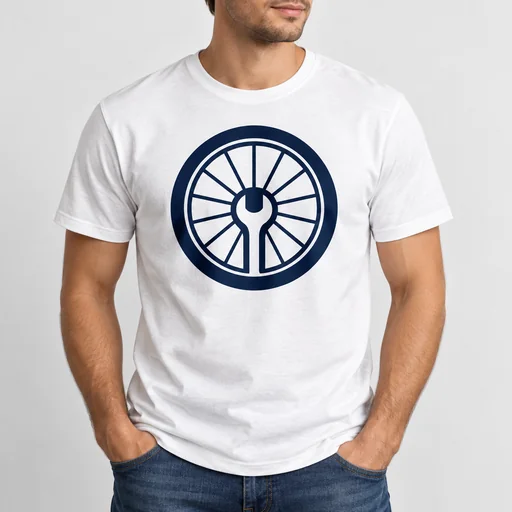
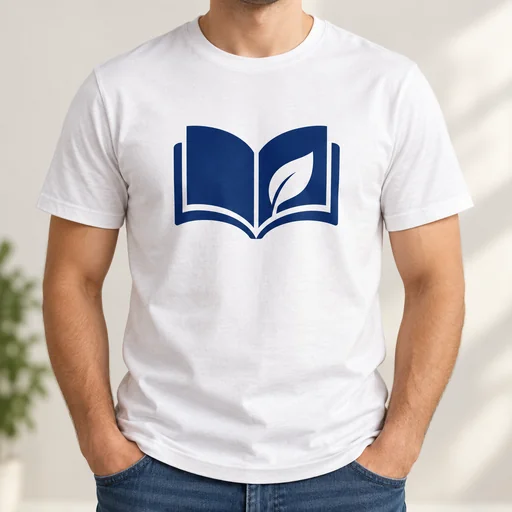
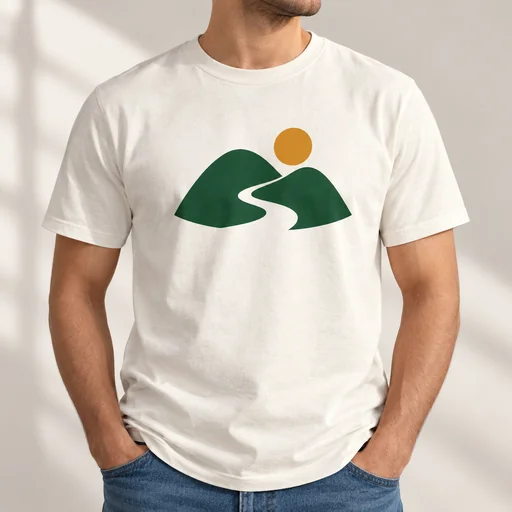
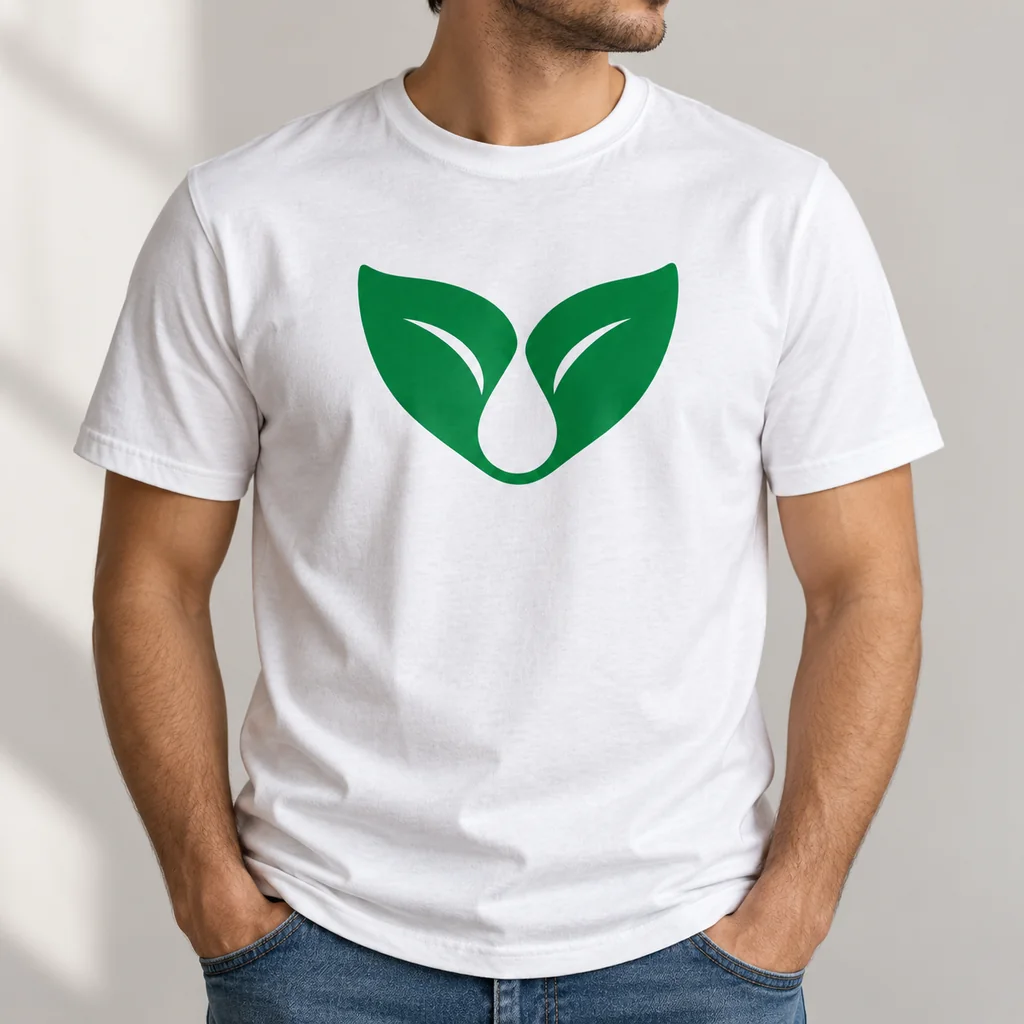
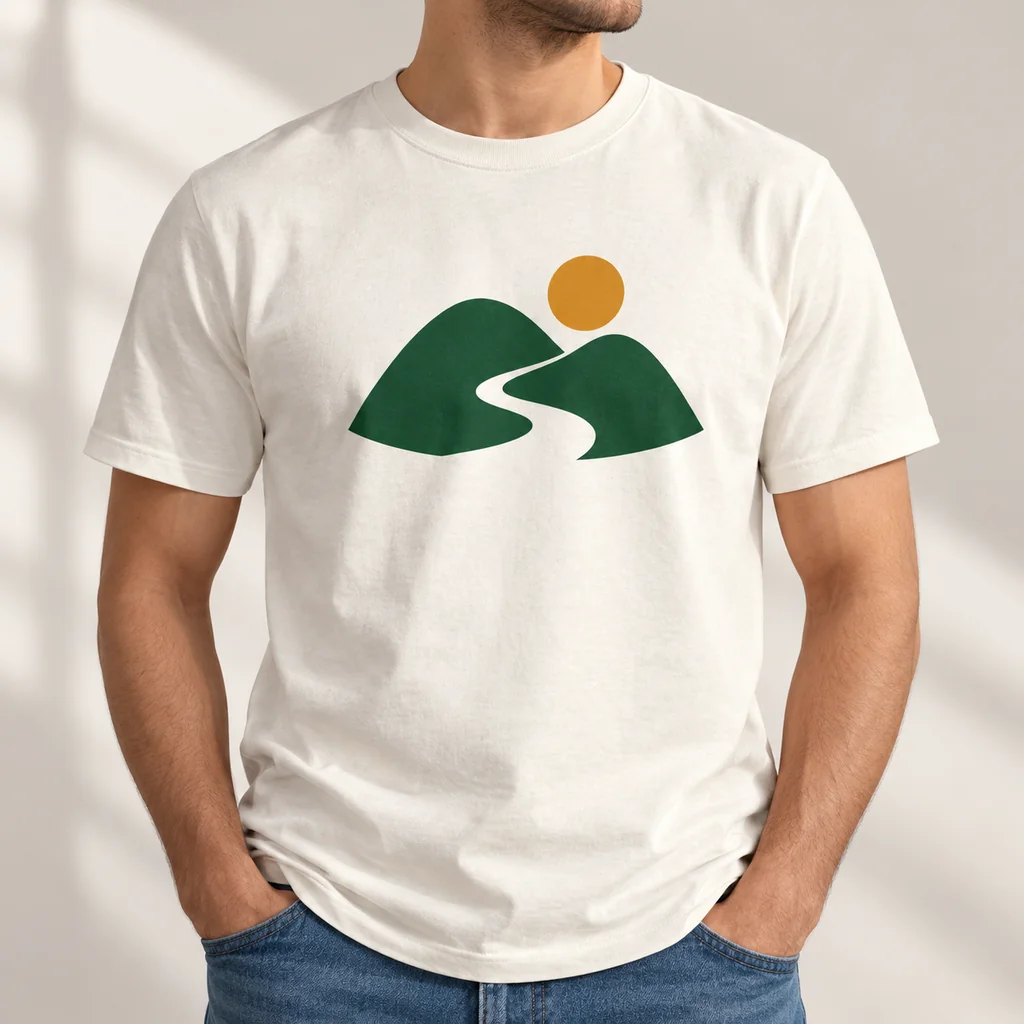
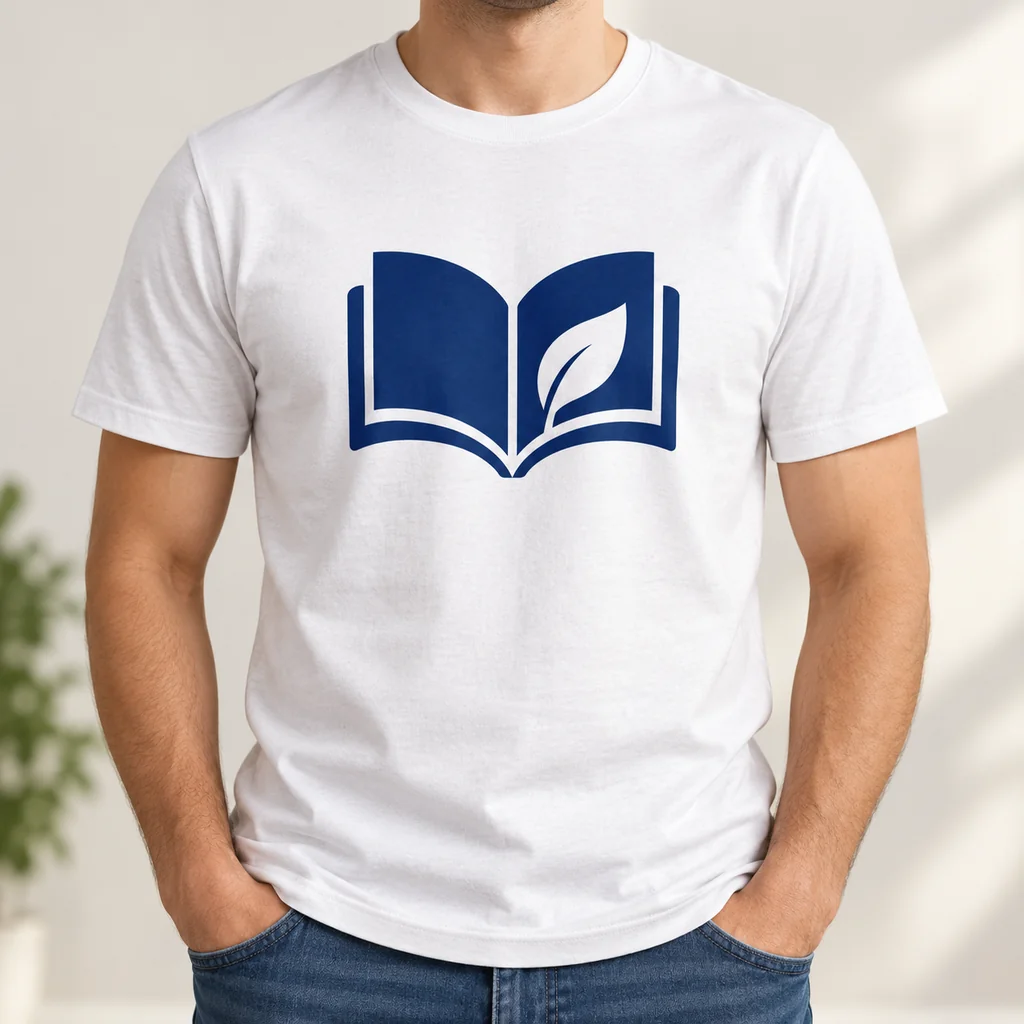
White T-shirt with a green paired-leaf and droplet logo on the chest.White T-shirt with a burgundy sewing needle and looping thread logo.White T-shirt printed with a navy wheel and wrench logo.White T-shirt with a navy open-book logo containing a white leaf.Cream T-shirt with green hills, a winding path, and an ochre sun logo.

Create a Merch Mockup

See your artwork on a T-shirt mockup with realistic placement, scale, fabric texture, folds, lighting, and shadows.

  1. Upload
  2. Log in
  3. Create
  • Start with your artwork

    Upload the design you want shown on a T-shirt, keeping its artwork as the visual reference.

  • Shape the mockup

    Describe the placement, scale, fabric texture, folds, lighting, and shadows, then request changes in words.

  • Keep artwork legible

    Review how clearly the artwork sits on the shirt, and ask to preserve its legibility without extra logos.

Merchandise in context

See your design in context

Three standalone finished concepts use three different supplied logo images.

White T-shirt with a green paired-leaf and droplet logo on the chest.
Source 1 for Merch mockup: sprout refill logo.
Cream T-shirt with green hills, a winding path, and an ochre sun logo.
Source 1 for Merch mockup: quiet peak logo.
White T-shirt with a navy open-book logo containing a white leaf.
Source 1 for Merch mockup: open page logo.

Get started

Attach your actual design, supply the requested product or card details, then inspect the finished concept.

步驟 1

Upload your design

Attach the actual logo or design image.
步驟 2

Describe the result

Submit the same design with the exact product request or supplied card details.

Step 3: Review the result. White T-shirt with a green paired-leaf and droplet logo on the chest.

步驟 3

Review the result

Check the complete design, its placement and any supplied text.